I thought it would be fun and interesting to see what folks have as their computer desktop. It doesn't have to be Jeep related.
I'll start.
The KJ in the Painted Desert, which is on the Navajo Indian Reservation, in northeast Arizona....

| LOST JEEPS http://www.lostjeeps.com/forum/phpBB3/ |
|
| Show Your Desktop!! http://www.lostjeeps.com/forum/phpBB3/viewtopic.php?f=15&t=42967 |
Page 1 of 3 |
| Author: | AZKJ [ Thu May 07, 2009 5:52 pm ] |
| Post subject: | Show Your Desktop!! |
I thought it would be fun and interesting to see what folks have as their computer desktop. It doesn't have to be Jeep related. I'll start. The KJ in the Painted Desert, which is on the Navajo Indian Reservation, in northeast Arizona....
|
|
| Author: | Sir Sam [ Thu May 07, 2009 7:17 pm ] |
| Post subject: | |

|
|
| Author: | wheeee32 [ Thu May 07, 2009 7:36 pm ] |
| Post subject: | |
How do you post it? |
|
| Author: | jsc7002 [ Thu May 07, 2009 8:04 pm ] |
| Post subject: | |
wheeee32 wrote: How do you post it?
hold down Ctrl and then hit the Print Screen/ SysRq and then open up MS Paint and then hold Ctrl and then hit the letter 'V', or just right click and click paste save the file and upload it to Photobucket and then post here |
|
| Author: | kskj [ Thu May 07, 2009 10:40 pm ] |
| Post subject: | |
The pic is an old schoolhouse my son took out in the flint hills. 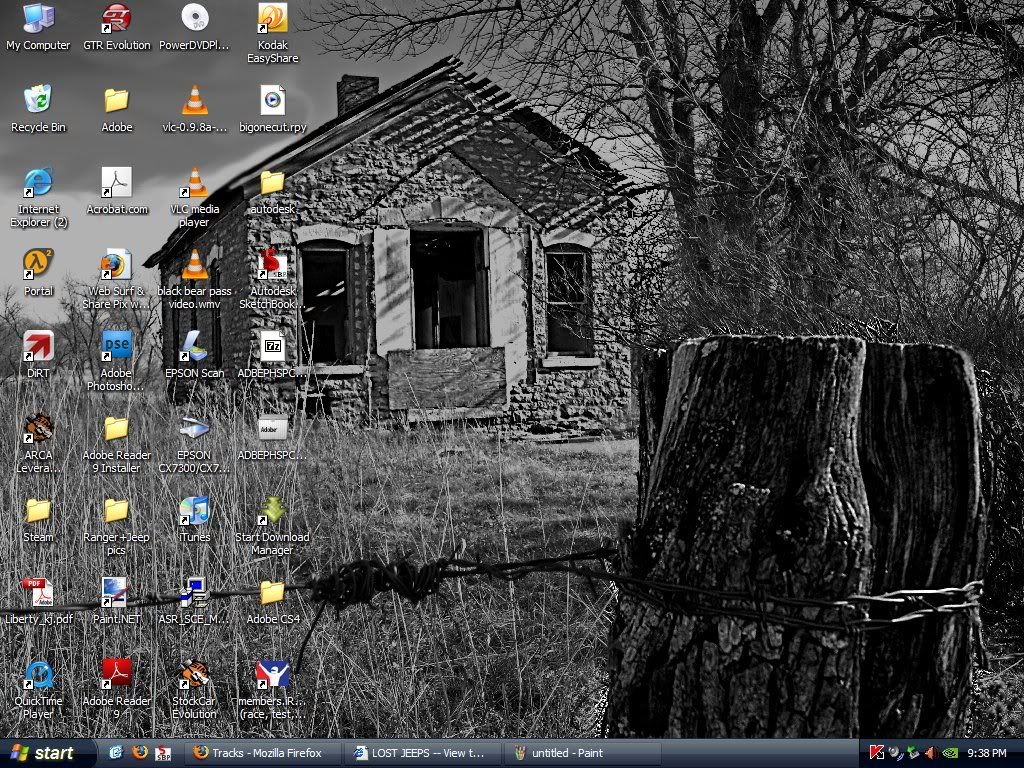
|
|
| Author: | daspes [ Thu May 07, 2009 11:11 pm ] |
| Post subject: | |

|
|
| Author: | jsc7002 [ Thu May 07, 2009 11:22 pm ] |
| Post subject: | |
my 1 1/2 Jeeps 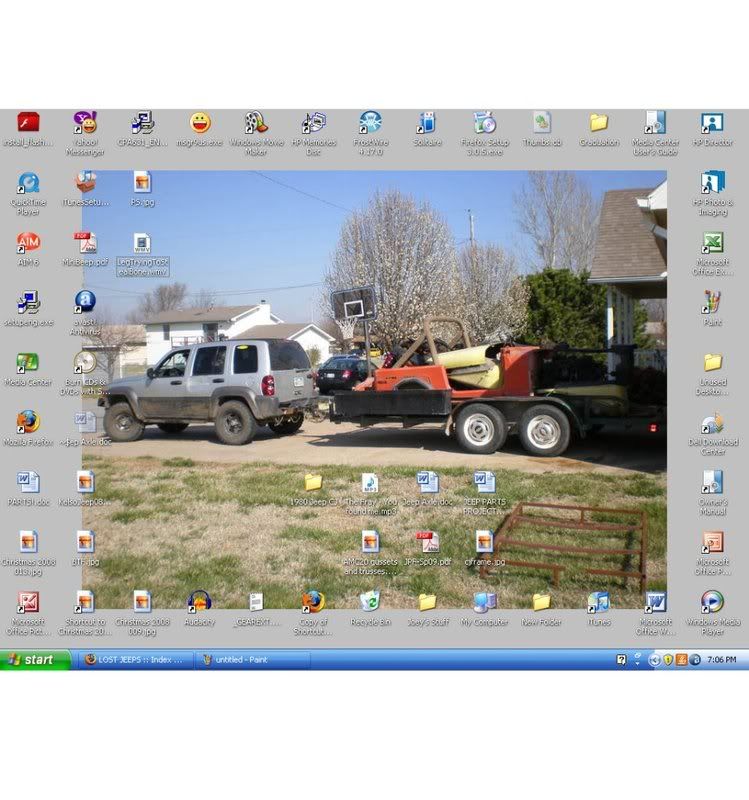
|
|
| Author: | corwyyn [ Thu May 07, 2009 11:53 pm ] |
| Post subject: | |
One of many cacti in bloom a couple of months back: 
|
|
| Author: | scull20 [ Fri May 08, 2009 12:53 am ] |
| Post subject: | |
My Formula 1 Season desktop background. I don't like icons...I launch Firefox with the Address Bar at the bottom, and iTunes using the icon on the taskbar. Whatever else I run is alphabetically sorted in the quick launch menu, and if I'm lazy ill type it in the start menu. (Computer Organization OCD  ) )

-Ryan |
|
| Author: | JeepinJarhead03 [ Fri May 08, 2009 2:55 am ] |
| Post subject: | |
I should have taken a screenshot yesterday before i cleaned mine off it had gotten to the point where i had 1 icon position left in the visible area |
|
| Author: | wheeee32 [ Fri May 08, 2009 5:34 am ] |
| Post subject: | |
Okay I've tried the steps given but to no avail. |
|
| Author: | TAHOE [ Fri May 08, 2009 12:07 pm ] |
| Post subject: | |
here's my work desktop, pic from Detroit Auto show last year..... 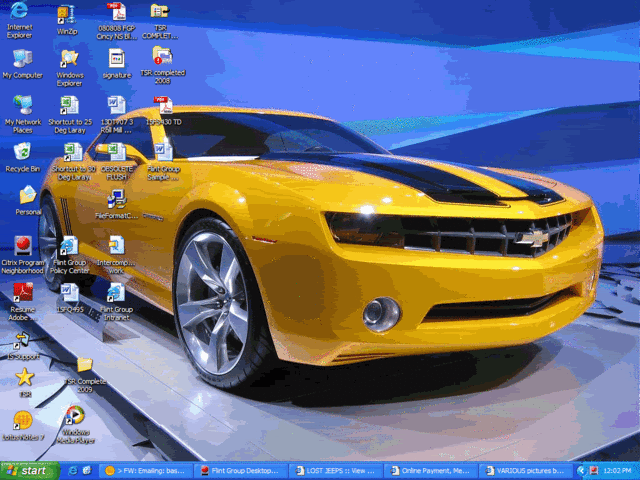
|
|
| Author: | AZKJ [ Fri May 08, 2009 12:31 pm ] |
| Post subject: | |
wheeee32 wrote: Okay I've tried the steps given but to no avail.
- on the top right corner of your keyboard, click on "print screen" - open MS Paint or another photo editing program and paste your screen shot there - then save the jpeg to your My Pictures folder on your computer - go to a free photo hosting site (photobucket/imageshack) and open an account - upload your screen shot jpeg from your file - copy yhe URL with the [img] tags - post the URL in the body of your post here on LOST That's it. Monument Valley.... 
|
|
| Author: | TAHOE [ Fri May 08, 2009 1:11 pm ] |
| Post subject: | |
I just hit print screen, then hit file on the print screen, then save as. Save to my personal pics file, then uploaded to photobucket. Then highlight/copy the img tag and post here. |
|
| Author: | durangotang [ Fri May 08, 2009 1:41 pm ] |
| Post subject: | |
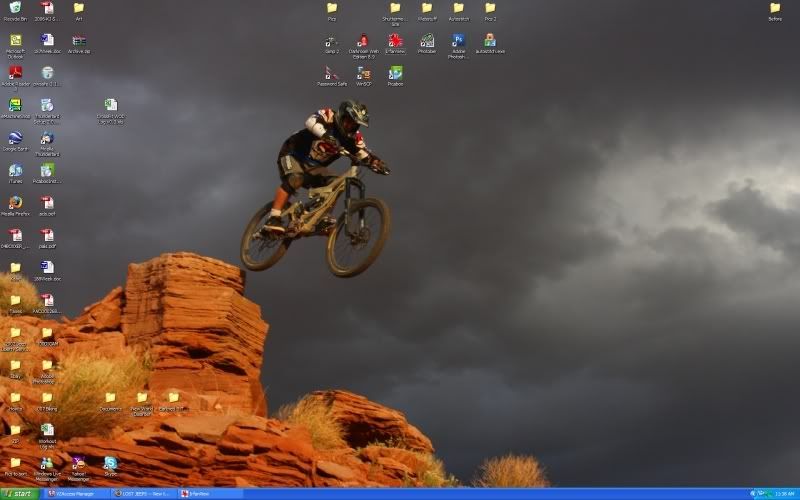
Photo stuff, photo stuff, and more photo stuff.... this is as organized as it gets for me 
|
|
| Author: | Edvalencia [ Fri May 08, 2009 3:52 pm ] |
| Post subject: | |
That is a cool shot! 
|
|
| Author: | long_tall_texan [ Fri May 08, 2009 4:46 pm ] |
| Post subject: | |

|
|
| Author: | Sir Sam [ Sat May 09, 2009 2:27 am ] |
| Post subject: | |
yellocoyote wrote: AZKJ wrote: wheeee32 wrote: Okay I've tried the steps given but to no avail. - on the top right corner of your keyboard, click on "print screen" I have to do 'Ctrl+PrintScreen' to copy mine... maybe that's the problem? In case anyone is wondering the obvious, it is different to do a screen cap on a mac(prolly not the problem here). |
|
| Author: | Powdrdaze [ Mon May 11, 2009 6:42 am ] |
| Post subject: | |

I'm getting anxious for summer. |
|
| Author: | dog_party [ Mon May 11, 2009 2:56 pm ] |
| Post subject: | |
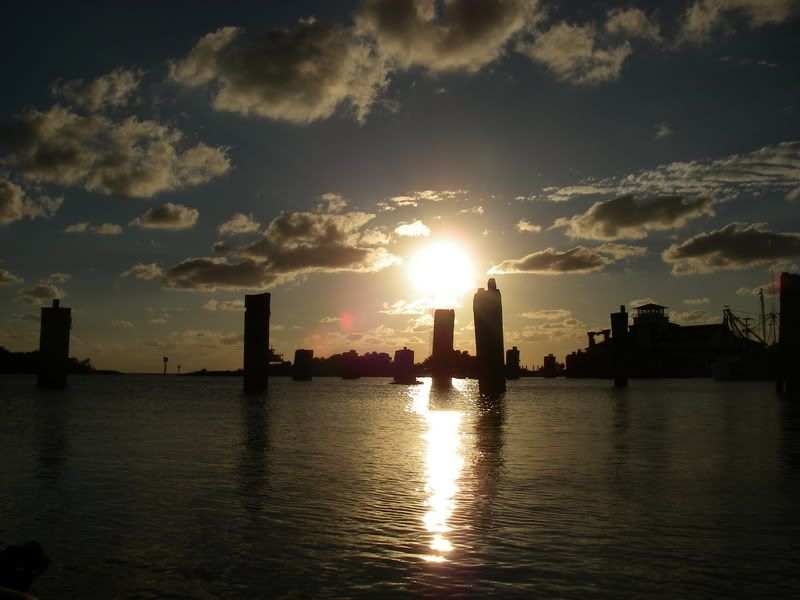
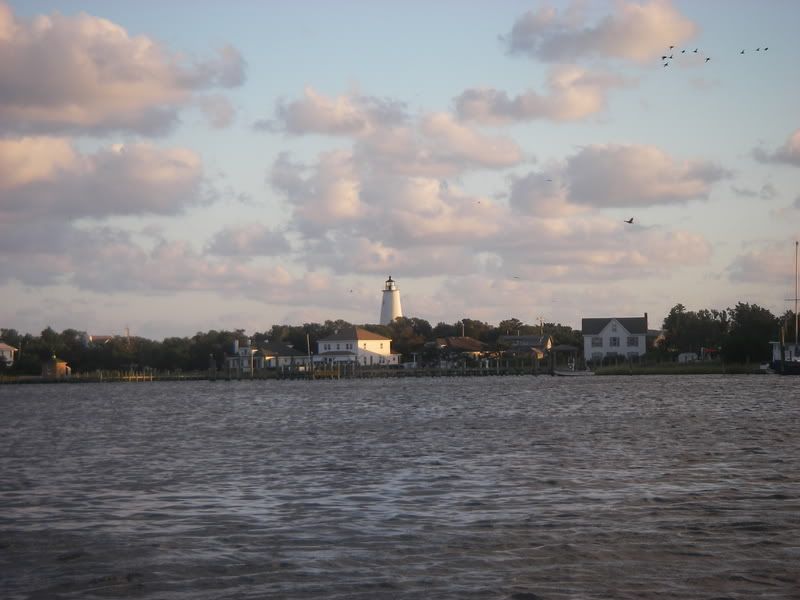
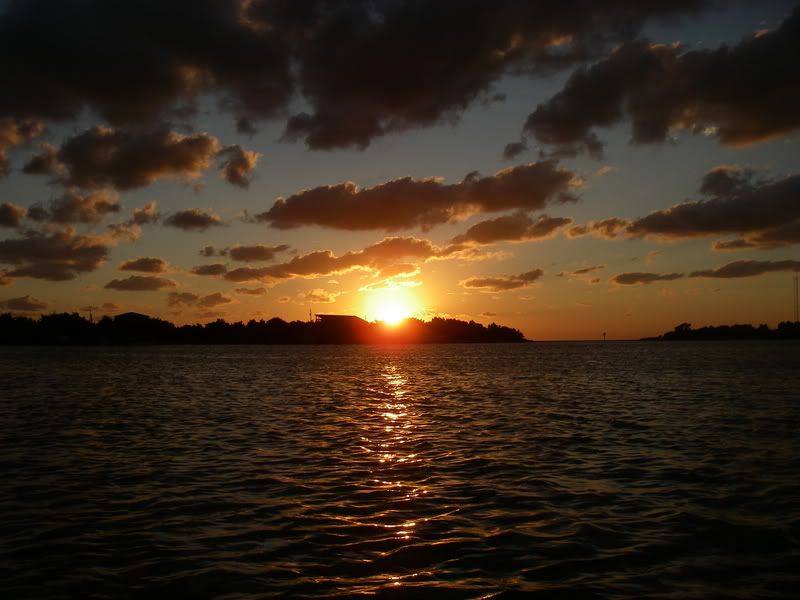
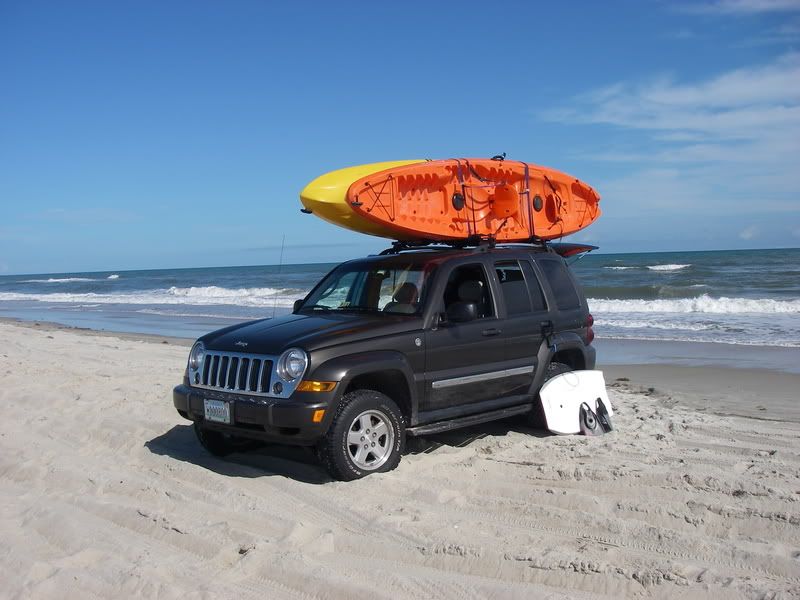
This is the image I use as a desktop on my work PC... 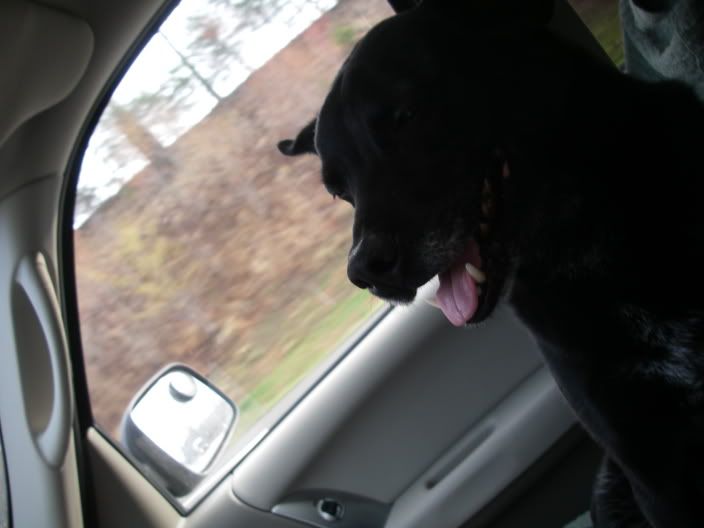
And here are some of the images that rotate as the desktop images on my Mac at home... 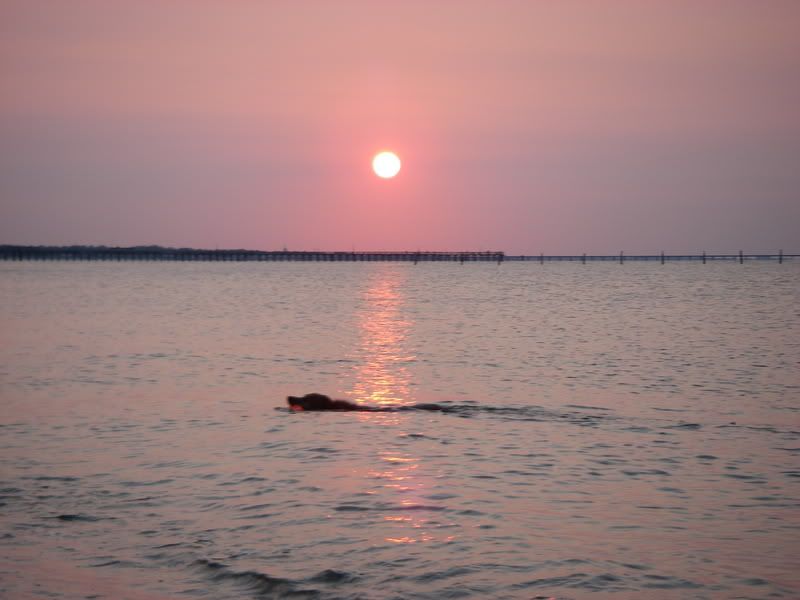
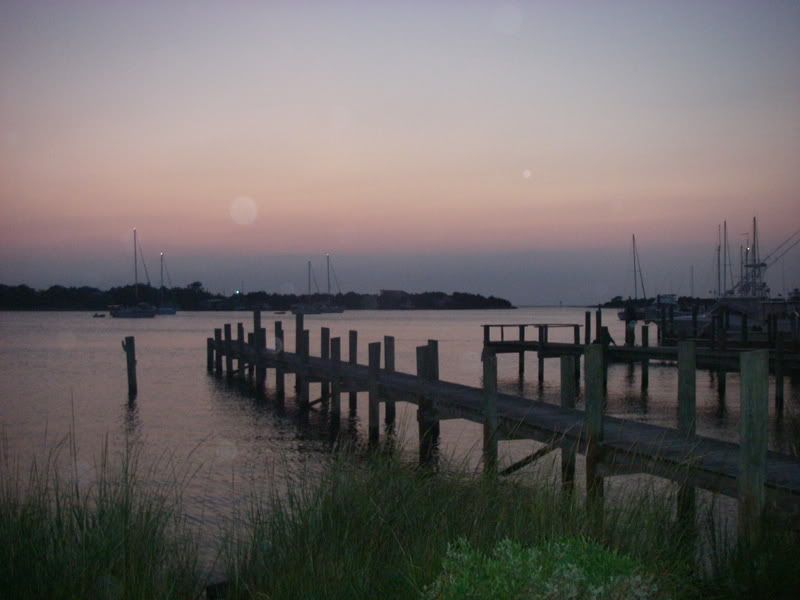
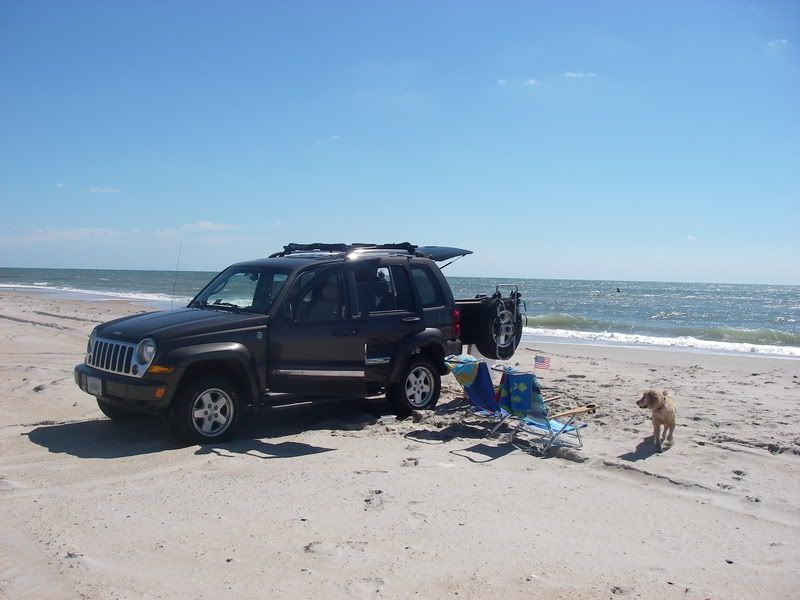
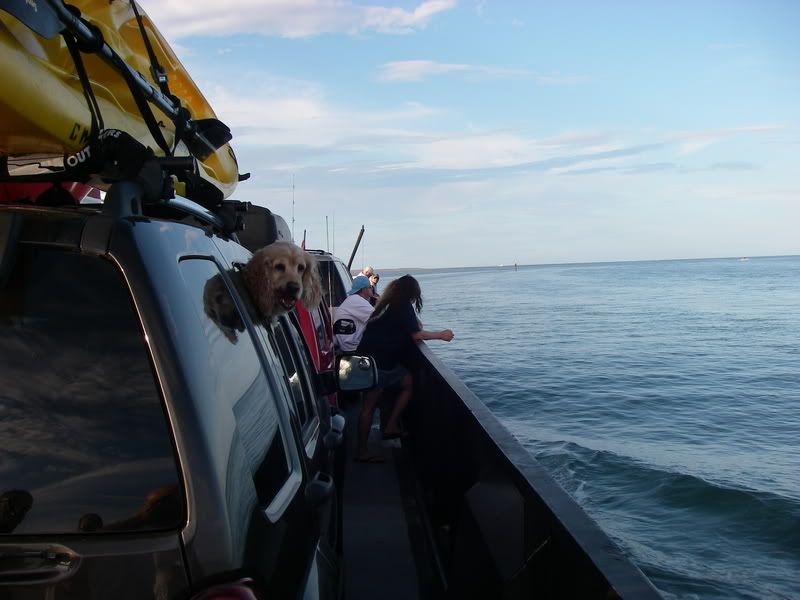
|
|
| Page 1 of 3 | All times are UTC - 5 hours [ DST ] |
| Powered by phpBB © 2000, 2002, 2005, 2007 phpBB Group http://www.phpbb.com/ |
|