So I will summarize my findings on the extended PIDs here:
A PID is a parameter id, or basically electronic data coded for the computer. See
wiki/OBD-II_PIDsFirst, if your vehicle supports PIDs (in this case the CRD) the TorqueScan will find "them." By "them" I mean it will display the location in hexadecimal code of the sensor and the value of the sensor. The app will NOT tell you what sensor it is reading, or what the values are. To determine what PID is for what sensor, I think GDE has some or those answers or the software from AutoEnginuity should tell you.
The next step is to determine a formula using the values given by the ECU to determine the proper "gauge value." A lot of those formulas are semi standard across manufactures, but there can be some variation. For Temperature it shouldn't be hard, start with ambient temp, and after driving it for a while you (maybe using a thermal scanner) you will know what the value from the ECU should equate to.
The problem I am running into is accession that part of the Torque App. My ECU does not return anything, at all. I can't even type in a KNOW PID value into the custom PID menu and have it work. Because there are some aftermarket products that appear to read extended PIDs, I am pretty sure the info is there. Maybe it is just my cheap adapter. The adapter did not connect to my Grand Caravan the one day I tried it (possible I had it set incorrectly) I would love to work on getting more info in Torque from our computers, but I have to overcome this hurdle first.
If anyone else has had success with their Torque App using Torque Scan let me know and it might be worth me buying the top of the line adapter.
_________________

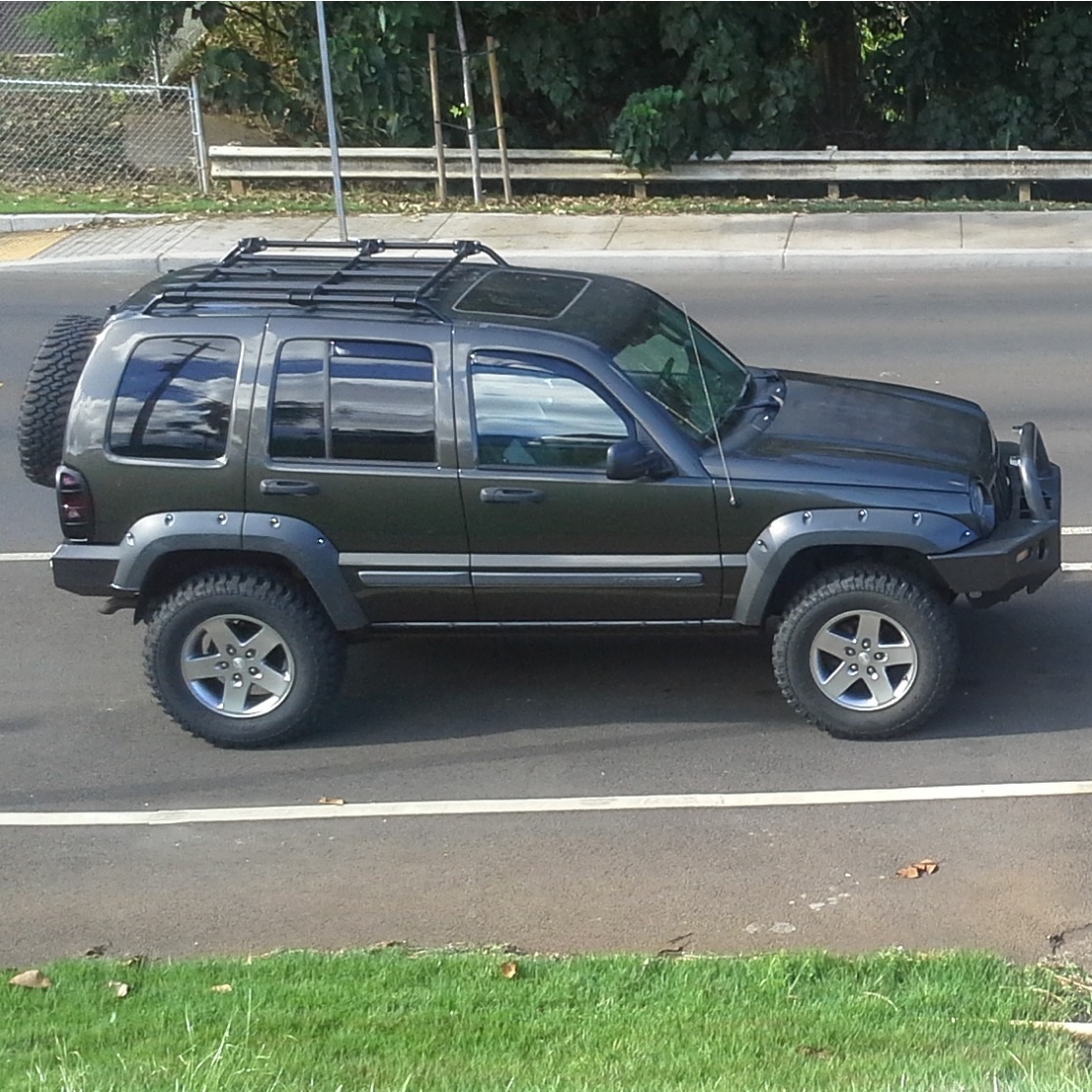
05 CRD Sport Dark Kahki
RRO: Adventure Rack/Rails ** MOPAR: Skids/Renny Flares & 255/75r17 (32.1) BFG M/T on JK wheels ** ARB: Bumper/IPF lights/790/948/shocks ** GDE: TCM/Hot Tune ** ROCKLIZARD: Super Sliders/Komodo Bumper
My Build ThreadUS Army Infantry
 Login
Login Register
 FAQ
FAQ Search