| LOST JEEPS http://www.lostjeeps.com/forum/phpBB3/ |
|
| New Internet Explorer 9 Not Displaying Photos ??? http://www.lostjeeps.com/forum/phpBB3/viewtopic.php?f=15&t=60683 |
Page 1 of 1 |
| Author: | MtnLuvr [ Sat May 14, 2011 8:57 am ] |
| Post subject: | New Internet Explorer 9 Not Displaying Photos ??? |
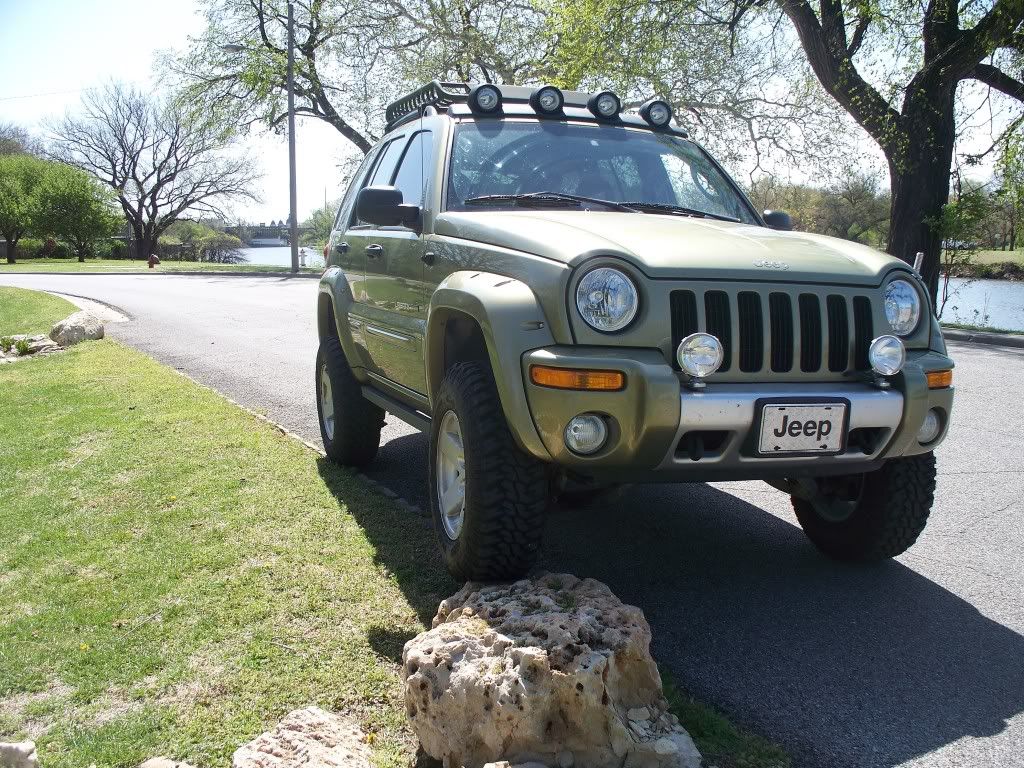
Last night my PC did a bunch of updates, and I guess I wasn't paying close enough attention as it upped to Internet Explorer 9. After that, I can't see most photos on LOST. For example, I can't see the below but only a litte orange square where the photo is (as I can still see photo on my phone): kskj wrote: The Rene is almost ready. Only two more things on the list. ![]() Any ideas of settings to change (other than switching browsers)? |
|
| Author: | KJWildman [ Sat May 14, 2011 10:26 am ] |
| Post subject: | Re: New Internet Explorer 9 Not Displaying Photos ??? |
Mine did the same thing a few days ago! I couldn't figure anything out either so I changed and am using Safari. Not really sure how I like that yet either but I'n getting used to it. |
|
| Author: | bugnout [ Sat May 14, 2011 10:41 am ] |
| Post subject: | Re: New Internet Explorer 9 Not Displaying Photos ??? |
Happened to me as well. It the security settings. Something to do with cross-site scripting. The pictures are stored at some other site besides lostjeeps.com and the browser's default settings disallow display of pictures from sites other than the site your on. I spent a couple of hours trying to figure it out with no luck so I just switched to Firefox. Too bad, so sad for Microsoft. |
|
| Author: | MtnLuvr [ Sat May 14, 2011 11:12 am ] |
| Post subject: | Re: New Internet Explorer 9 Uninstalled |
After wasting too much time digging through privacy / security settings and even telling it to "allow" cookies from photobucket.com, still couldn't get most photos to display so I had my computer go through uninstall process to return it to IE 8.
|
|
| Author: | irollgen4s [ Sat May 14, 2011 11:54 am ] |
| Post subject: | Re: New Internet Explorer 9 Not Displaying Photos ??? |
google chrome> everything else for browsing. Firefox for everything else. Internet explorer is absolute garbage
|
|
| Author: | Nightfisher [ Sat May 14, 2011 1:24 pm ] |
| Post subject: | Re: New Internet Explorer 9 Not Displaying Photos ??? |
FIREFOX! |
|
| Author: | black and blue [ Sat May 14, 2011 1:43 pm ] |
| Post subject: | Re: New Internet Explorer 9 Not Displaying Photos ??? |
I just upgraded to Firefox 4, but I've got all sorts of problems with it. Just switched back to 3.6. It really works great |
|
| Author: | STINGN [ Sat May 14, 2011 5:59 pm ] |
| Post subject: | Re: New Internet Explorer 9 Not Displaying Photos ??? |
google chrome |
|
| Author: | NewOldTimer [ Sat May 14, 2011 8:18 pm ] |
| Post subject: | Re: New Internet Explorer 9 Not Displaying Photos ??? |
black and blue wrote: I just upgraded to Firefox 4, but I've got all sorts of problems with it. Just switched back to 3.6. It really works great What OS?? I've been using Firefox 4 for a couple of months now with Win 7..... absolutely no problems at all. I've heard those still using Vista or XP will have issues. |
|
| Author: | Sir Sam [ Sun May 15, 2011 12:20 am ] |
| Post subject: | Re: New Internet Explorer 9 Not Displaying Photos ??? |
Firefox. |
|
| Author: | warp2diesel [ Sun May 15, 2011 9:11 pm ] |
| Post subject: | Re: New Internet Explorer 9 Not Displaying Photos ??? |
Our IT Guru told us not to Upgrade to IE 9, none of our Business online Software has been updated yet. |
|
| Author: | sota [ Mon Jul 25, 2011 3:00 pm ] |
| Post subject: | Re: New Internet Explorer 9 Not Displaying Photos ??? |
this is a compatibility mode issue with IE9. it's not properly rendering non-compliant code (specifically the <img class...> tag) correctly. short term fix for users.. press F12 on the tool bar look for 'Document Mode:' click on it and select 'Internet Explorer 8 Standards' close window pages will now render correctly, until you close the tab/IE window, at which point you'll have to do the above over again. the people hosting this site can cure this on their end for everyone by adding the following code to the site for all pages... Code: <meta http-equiv="X-UA-Compatible" content="IE=8" /> that will force the site to be rendered using IE8 standards. alternatively can can change the character set to 'ISO-8859-1'... current: Code: <meta http-equiv="content-type" content="text/html; charset=UTF-8"/> replacement: Code: <meta http-equiv="Content-Type" content="text/html; charset=ISO-8859-1"/> I examined alot of the sites I frequent and all of them use the ISO-8859-character set and they all render as IE7 when I examine their document mode. |
|
| Author: | dieselenthusiast [ Mon Jul 25, 2011 9:29 pm ] |
| Post subject: | Re: New Internet Explorer 9 Not Displaying Photos ??? |
sota, thanks for the short term fix. Did you notify Heather regarding your suggestion? |
|
| Author: | sota [ Wed Jul 27, 2011 7:01 am ] |
| Post subject: | Re: New Internet Explorer 9 Not Displaying Photos ??? |
I did not, as I do not know how. perhaps you could point her here or just copy her on the info? |
|
| Author: | dieselenthusiast [ Wed Jul 27, 2011 10:55 am ] |
| Post subject: | Re: New Internet Explorer 9 Not Displaying Photos ??? |
sota wrote: I did not, as I do not know how. perhaps you could point her here or just copy her on the info? No problem, I just sent Heather a link to this thread. |
|
| Page 1 of 1 | All times are UTC - 5 hours [ DST ] |
| Powered by phpBB © 2000, 2002, 2005, 2007 phpBB Group http://www.phpbb.com/ |
|