First you will need to join a photo hosting site like
Photobucket. Once joined, you will need to upload Pics to the site. Then;...
For your Avatar,
Go here.
User Control PanelOn the left click on "Profile". Then click on "Edit avatar"
Once on that screen you will need to get the link code from the photo hosting site of your avatar Pic. (On photobucket you want to use the code next to "Direct" under "Photo links" or the code next to "Direct" under "Share this photo".), copy that text, come back to the "Edit avatar" page and paste the link code into the space next to "Link off-site:", then click the "Submit" button.
To post Pics in a thread:
Same as above, as far as uploading Pics and getting the link code.
But in your post you will need to click the "IMG" button at the top (which will automatically put the IMG code into your post). In the center of the ] and [ brackets of the IMG code, paste the link code. [img ]
Paste link code here[ /img] It will look something like this.
[img ]http: //i266.photobucket. com/albums/oo101/Scar/Bump00 9.jpg~original[ /img]
When you click the "Submit" button the Pic will show up like this.
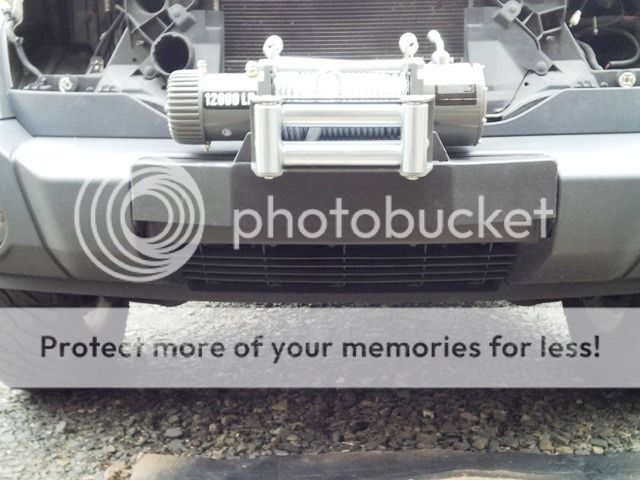
When posting multiple Pics in a thread, be sure to add a "return" after each IMG code end[ /img]
Return here, so your pics will be one over the other. That way folks can scroll down to see the next Pic.
Also, if you delete or move a pic on the hosting site, it will no longer show up in a post here. This is because the link will be broken. Same for your avatar.

 Login
Login Register
 FAQ
FAQ Search